Quiet Endpoints, Real Risk: Governing Office IoT on UK Corporate Wi-Fi
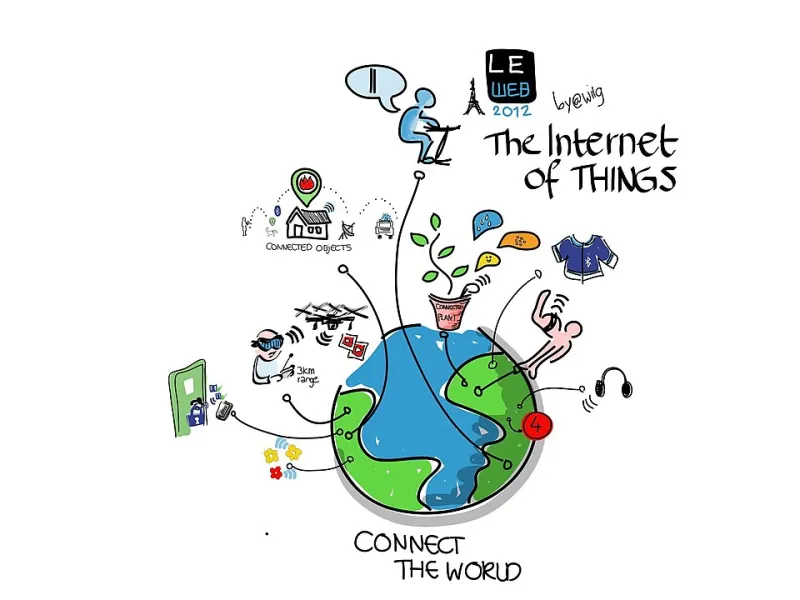
Photo: Wilgengebroed on Flickr, CC BY 2.0, via Wikimedia Commons
Most UK offices have a tidy account of their network estate: laptops issued by IT, phones enrolled in a mobility platform, servers in a rack or a cloud region. The account tends to omit the devices that were never part of an IT purchase order. A ceiling-mounted occupancy sensor installed by a facilities contractor, a badge reader wired in during a building fit-out, a meeting-room display that joined the Wi-Fi at commissioning, a leased printer with a vendor-supplied management agent: these are the quiet endpoints of the corporate estate. They are also computers, with firmware, credentials and network access.
The corporate SSID is not a trust boundary. Once an office IoT device is attached, it can often reach more than its installer intended, and it may remain reachable long after the supplier relationship has changed. The risk is not hypothetical, but it is also not solved by a single scan. What organisations need is a repeatable governance model that treats office IoT as an estate with owners, lifecycle stages and contractual obligations.
Why office IoT escapes the asset register
Office IoT is usually procured outside IT because the business case sits with facilities, security, HR or a building landlord. A sensor might be bought to support desk-booking analytics; a badge reader might be part of a lease agreement; a heating controller might be maintained by a mechanical and electrical contractor. Each purchase can be individually reasonable while collectively producing a set of networked devices that no single team recognises as part of the technology estate.
There is also a technical reason for the blind spot. Many IoT devices are designed for long service lives and low maintenance. They may use static credentials, local management interfaces, proprietary protocols or firmware that is updated rarely, if at all. Some are physically inaccessible after installation. Others are commissioned by third parties who do not hand over a complete device inventory. The result is an asset population that behaves more like building infrastructure than like IT equipment, even though it depends on IT networks and creates IT risk.
Start with scope and ownership, not scanning
A device scan is useful evidence, but it is not a governance model. Before selecting tools, UK organisations should define what counts as office IoT and who is accountable for it. That means bringing IT, facilities management, physical security, procurement and, where relevant, the landlord into the same conversation. The scope should cover connected building systems, sensors, actuators, badge and access-control equipment, printers and multifunction devices, meeting-room peripherals, digital signage, vending or catering systems with network connectivity, and any other device that attaches to corporate Wi-Fi or wired office networks.
Ownership is the harder question. A register that lists 400 devices but assigns no business owner will decay within months. For each class of device, organisations should identify a technical custodian and a business owner. The technical custodian maintains firmware and configuration; the business owner accepts the operational need and the risk. Where a landlord or managed service provider controls the device, the contract should state who is responsible for patching, monitoring, incident response and removal.
Discover with layered evidence
The most reliable discovery programmes combine passive observation with targeted active checks. Passive sources include DHCP logs, DNS queries, switch MAC address tables, wireless controller client lists, firewall and proxy logs, and NetFlow or IPFIX records. These sources can reveal devices that have never appeared in an IT asset register, particularly if the organisation correlates by MAC address, IP address, hostname and switch port over time.
Passive scanning tools and network access control platforms can help maintain a live view, but they should be configured with care. Some IoT devices react badly to aggressive probing, and an active scan during business hours can disrupt building systems. Active checks should be limited to segmented test ranges, coordinated with facilities, and scheduled outside critical periods. A physical sweep of comms rooms, ceilings and meeting spaces is still worthwhile: it catches devices that are powered but disconnected from the network, as well as labels and asset tags that no digital tool can read.
The output should be a register with enough detail to support decisions. Useful fields include device class, vendor and model, firmware version, MAC and IP addresses, physical location, network segment, business owner, technical custodian, data touched, criticality, support status and expected end-of-life date. The register should not duplicate the IT asset management system; it should feed it. Office IoT becomes governable when it appears in the same lifecycle and risk processes as other technology.
Segment and constrain the quiet estate
Segmentation is the most practical control available to most UK organisations. Office IoT should not share a general-purpose corporate VLAN or SSID with user laptops. A dedicated IoT network, with clear rules for what it can reach and what can reach it, limits lateral movement if a device is compromised. Management interfaces should be accessible only from a controlled administrative network, and inbound connections from the internet should be exceptional and documented.
Where devices support 802.1X or certificate-based authentication, those controls should be used. Where they do not, organisations should recognise that MAC address filtering and pre-shared keys provide limited assurance. Compensating controls matter: egress filtering, DNS monitoring, restricted inter-VLAN routing, and alerting on unusual device behaviour. A printer that begins scanning internal subnets or a sensor that contacts an unfamiliar cloud endpoint is worth investigating, even if the device itself has no endpoint agent.
Make procurement and contracts carry the burden
Many IoT problems begin with a contract that says nothing about security. UK buyers should add clauses that require the supplier to disclose firmware support periods, patching responsibilities, default credential handling, network requirements and any cloud dependencies. The right to receive security notices and the obligation to support removal or transfer at contract end are also important. For devices that process personal data, such as occupancy sensors or access-control systems, the data protection impact assessment should be completed before installation, not after a subject access request arrives.
These clauses do not need to be lengthy. They need to be specific enough to survive a change of facilities contractor or a building sale. A simple schedule listing the devices, their support status and the supplier's security contact is more useful than a general assurance that the product is secure.
Treat IoT as an estate, not as noise
Office IoT will not disappear from UK workplaces. Sensors, access control and building systems are becoming more connected, not less. The organisations that manage this shift well will not rely on occasional scans or on the assumption that facilities teams and IT teams share a mental map. They will maintain an owned register, segment the devices that cannot defend themselves, and use procurement to make lifecycle support explicit. The alternative is to wait for a firmware vulnerability or an incident response exercise to reveal the quiet endpoints that were always there.